
Security & Authentication
Passkeys, Explained: Why the Login Button Is Finally Changing
Passkeys have moved from an obscure security standard to a mainstream sign-in option. Here is what they actually are, why passwords and text-message codes keep failing, and what the change means for everyday users.
If you've noticed more apps and websites asking you to “sign in with a passkey” instead of a password, you're not imagining it. In the space of about three years, passkeys have gone from an obscure standard discussed mostly among security engineers to a mainstream sign-in option offered by Google, Apple, Microsoft, Amazon, PayPal, most major banks, and thousands of other services.
As of early 2026, the FIDO Alliance — the industry body that co-developed the standard — estimates that roughly 5 billion passkeys are in active use worldwide, with 75% of surveyed consumers having enabled at least one and 49% using them regularly when offered.
That's a big, fast shift, and it's reasonable to be skeptical of it. Passwords have been the default for 60 years; “type in a code we texted you” has felt like a reasonable extra layer of security for the last decade; and biometric login already feels modern and secure.
So why is the industry moving away from all of that, and toward something with a name most people still cannot quite define?
This article answers that plainly, then backs it up with enough technical detail and sourcing to hold up to scrutiny — because “trust us” is not a good enough reason to change how you log in.
The foundation
What a passkey actually is
A passkey is not a password you do not have to remember. It is a fundamentally different kind of credential, based on a decades-old cryptographic technique called public-key cryptography.
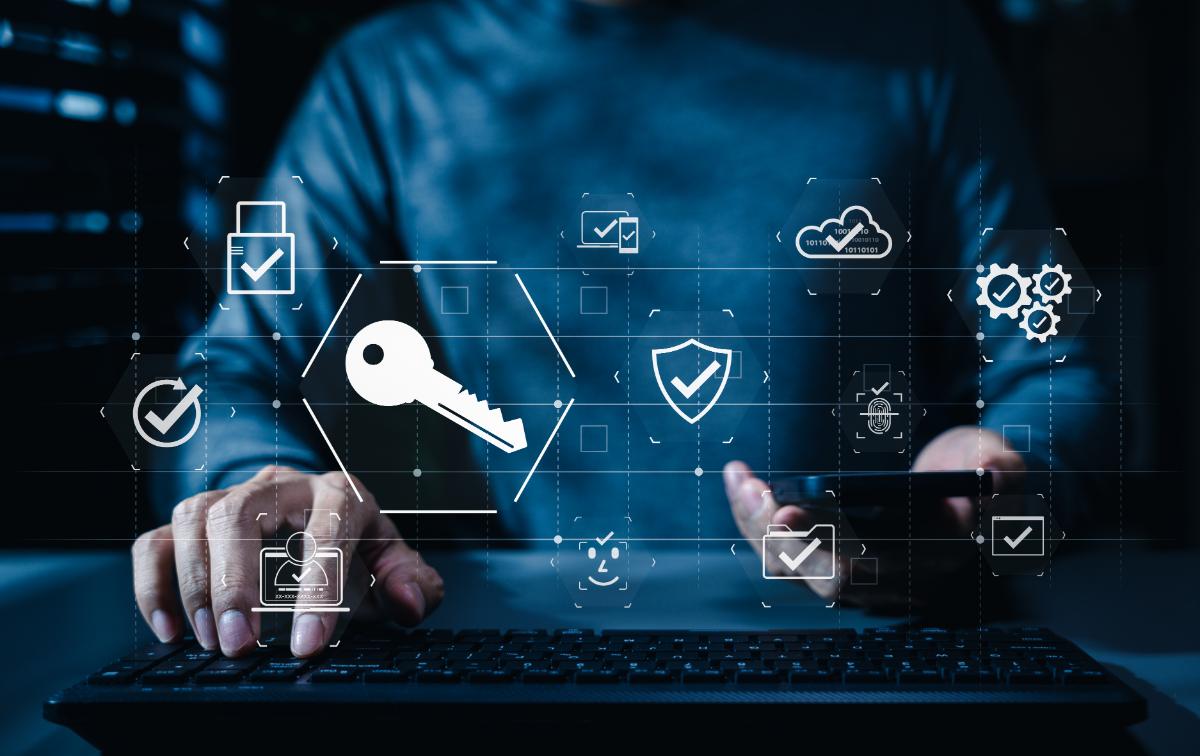
When you create a passkey for an account, your device generates two mathematically linked keys: a private key and a public key. The private key never leaves your device or encrypted vault. The public key is sent to the website and stored on its server.
When you log in later, the website sends your device a random challenge. Your device signs it with the private key, and the server verifies that signature with the public key it already has.
Your fingerprint, face scan, or device PIN is only used to unlock the private key locally.
Where older methods break
Why passwords and SMS codes keep failing
Passwords are shared secrets. You type the same string into a website every time, which means it can be phished, guessed, reused, exposed by malware, or stolen in a breach.
SMS codes inherit the weaknesses of the mobile network. SIM swapping, telecom attacks, and real-time phishing proxies can all defeat them.
Passkeys stop the login from being approved on the wrong website.
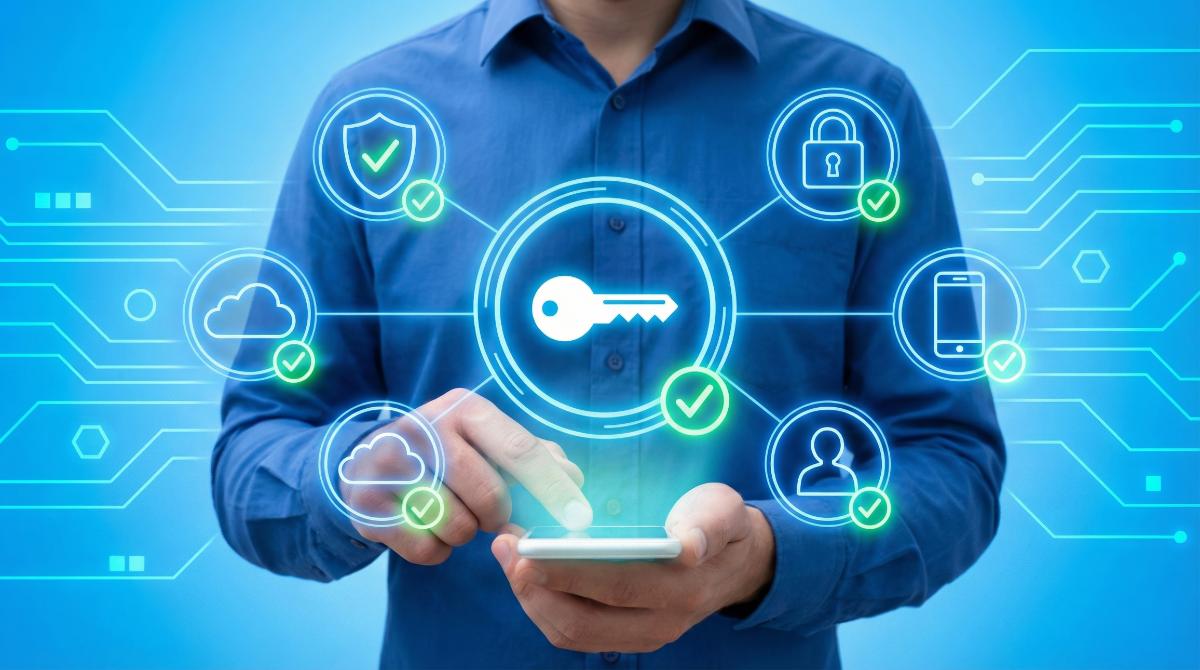
The cryptographic signature is bound to the genuine website address. A fake or proxy page cannot request the same credential.
An important distinction
A necessary clarification about voice and facial recognition
On-device Face ID or fingerprint approval is different from remote biometric verification. Local biometrics unlock a key already stored on your device. Remote systems receive a voice or camera sample that may be cloned or manipulated.
The useful distinction is not “biometrics good or bad.” It is where the comparison happens.
Why adoption accelerated
Why this is happening now, not ten years ago
Passkeys rely on WebAuthn, a standard developed by the W3C and FIDO Alliance. The cryptography is not new; the recent shift came from Apple, Google, and Microsoft building support into their operating systems and browsers.
Passkey syncing also removed the fear of losing access when one device breaks or disappears.
The limits
What passkeys do not fix
No credential is invincible. If someone controls your unlocked device or compromises the cloud account that syncs your passkeys, they may still reach protected accounts.
Device passcodes, screen locks, and strong protection for your Apple, Google, or Microsoft account still matter.
The honest claim is not “unbreakable.”
The honest claim is that passkeys close off phishing and credential interception without asking people to memorize another secret.
Practical next step
What to do about it
You do not need to make any drastic changes. Where a reputable service offers a passkey, it is worth enabling.
Keep your devices locked and protect the cloud account that synchronizes your credentials.
Sources cited in the article
References
- FIDO Alliance, “Five Billion Passkeys: FIDO Alliance Reports Mainstream Global Usage on World Passkey Day 2026” (May 2026).
- FIDO Alliance / Passkey Central, “How Passkeys Work.”
- World Wide Web Consortium, “Web Authentication: An API for Accessing Public Key Credentials Level 1 Is a W3C Recommendation” (2019).
- NIST, “SP 800-63B: Digital Identity Guidelines — Authentication and Authenticator Management.”
- CISA, “Implementing Phishing-Resistant MFA.”
- FBI IC3, “2024 Internet Crime Report.”
- Wikipedia, “SIM Swap Scam.”
- Dark Reading, “‘Evilginx’ Tool Still Bypasses MFA.”
- Aurigin.ai, “‘My Voice Is My Password’: How Deepfakes Are Triggering a Voice Authentication Fraud Crisis” (2025).
- Sumsub, “How Fraudsters Bypass Facial Recognition and Stay Hidden” (2026).
- Google for Developers, “Passkeys Case Studies: Mercari and Dashlane.”
Need help securing your accounts?
Better security does not have to be complicated.
Alchemy I.T. can help you secure your devices, strengthen account recovery, and understand which sign-in options make sense for your home or business.
Contact Alchemy I.T.